WORDPRESS PLUGIN · VERSION 2.0.0
Keystone Connect
Give Claude safe, structured access to the Elementor and Divi sites you manage. Keystone Connect adds a Model Context Protocol endpoint to WordPress, so an AI assistant can read your layouts, build new sections and check its own work, while drafts, revisions and confirmations keep you in control.
Free · GPL-2.0 · WordPress 6.2+ · PHP 7.4+ · Elementor, Divi 4 and Divi 5
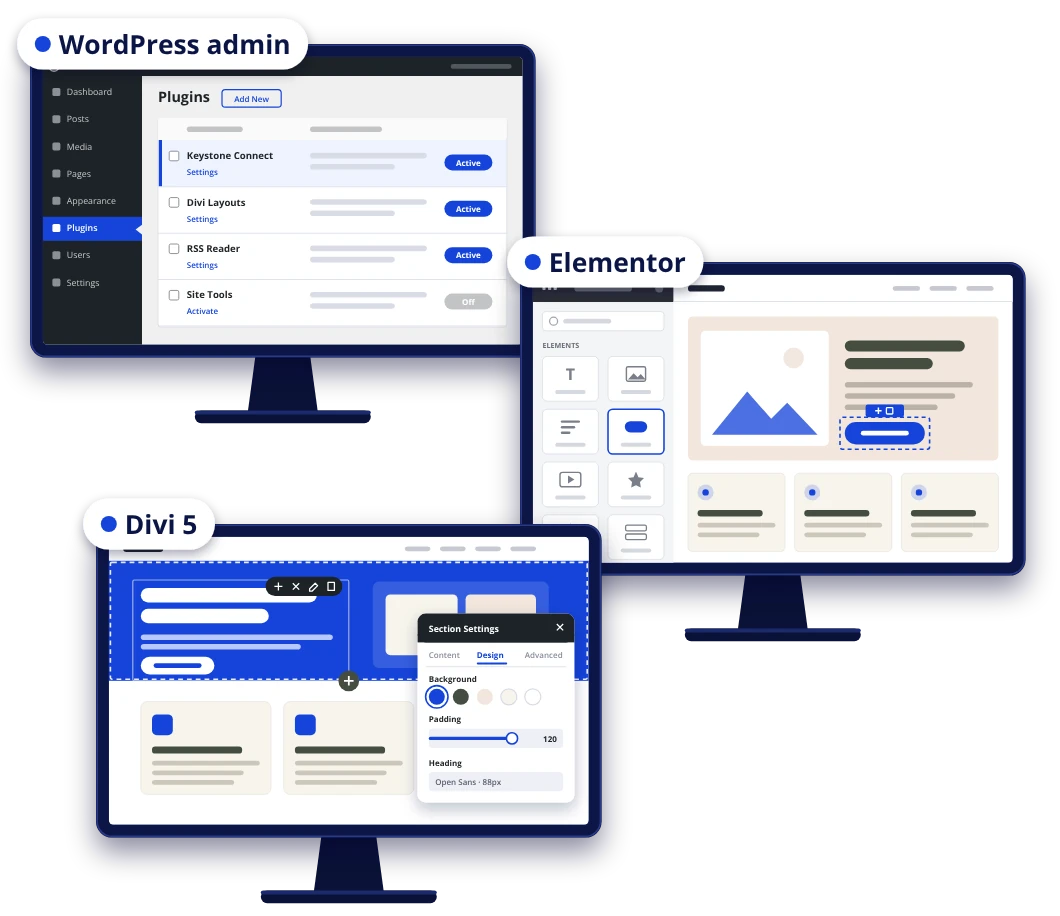
One connector, three page builders
Most AI tools can only see a page builder site as a wall of shortcodes or JSON. Keystone Connect translates each layout into a readable outline and gives the assistant purpose-built tools to change it, so edits land in the right place and in the builder's own format.
Works with your page builder
Reads Elementor, Divi 4 and Divi 5 layouts as a simple outline and edits any element by its path: headings, text, buttons, images, links and Divi presets.
Builds sections from a simple spec
Describe a section in plain terms (columns, headings, text, buttons, images, icons, colors, and font sizes for desktop, tablet and phone) and Keystone Connect writes valid builder data.
Checks its own work
The preview tool loads a page the way a visitor sees it and flags low-contrast text, images that disappear into their background, missing files, empty modules and broken heading order.
You decide how much Claude can do
Tools are grouped into access tiers. Page content is always available; everything else is a switch under Settings → Keystone Connect, and Claude only sees the tools you have turned on. Claude can never do more than the WordPress user it signs in as.
Page content
Read outlines; edit text and links; add, clone, move and remove elements; find and replace; create draft pages; manage media and global colors. Always on.
Site structure
Menus, Divi Theme Builder assignments, custom CSS, blog posts, categories and tags, SEO fields (Yoast, Rank Math, SEOPress) and the homepage. On by default.
Site administration
Site health, plugins and themes, users and roles, site settings, trash and cache clearing. Off until you turn it on.
Developer
Read and edit theme and plugin files, run SQL and PHP, and read the error log, with syntax checks and automatic rollback. Off by default and can be locked to a staging domain.
Revisions and restore points
Every page save is a WordPress revision you can roll back. CSS, settings and file changes get private restore points first.
Confirmations and drafts
Risky actions return a summary and a one-time token, and nothing happens until you approve. New pages are drafts unless you allow publishing.
Get started in three steps
1. Install the plugin
Download the zip, then in WordPress go to Plugins → Add New → Upload Plugin, install it and activate it. Your site needs HTTPS and pretty permalinks.
2. Choose what Claude can do
Open Settings → Keystone Connect, switch on the access tiers you want, and copy your site's MCP URL. It looks like https://your-site.com/wp-json/keystone-connect/v1/mcp.
3. Connect Claude
In Claude on the web or desktop, go to Customize → Connectors → Add custom connector, paste the URL and click Connect. Log in to WordPress and approve, and Claude works as that user.
Once it's added, the connector also works in the Claude iPhone and Android apps, so you can make changes from your phone.
New in 2.0
- A new name. Builder MCP is now Keystone Connect. It does more than page building now: menus, SEO, plugins, users, settings and developer tools, each behind its own switch.
- Easy move from Builder MCP. Keystone Connect installs alongside it and copies your Builder MCP settings when you activate it. Connect Claude with the new URL, then deactivate Builder MCP.
- Plugin updates stay switched on. When Claude updates a plugin, it turns the plugin back on afterwards. Slow updates now finish even if the connection times out.
- Clearer setup. A redesigned settings screen and Claude sign-in page, with steps that match Claude's Customize → Connectors menu.
Ready to try it?
Keystone Connect is free and open source. Install it on a staging copy first if you plan to turn on the administration or developer tiers.